One place to talk and get the work done.
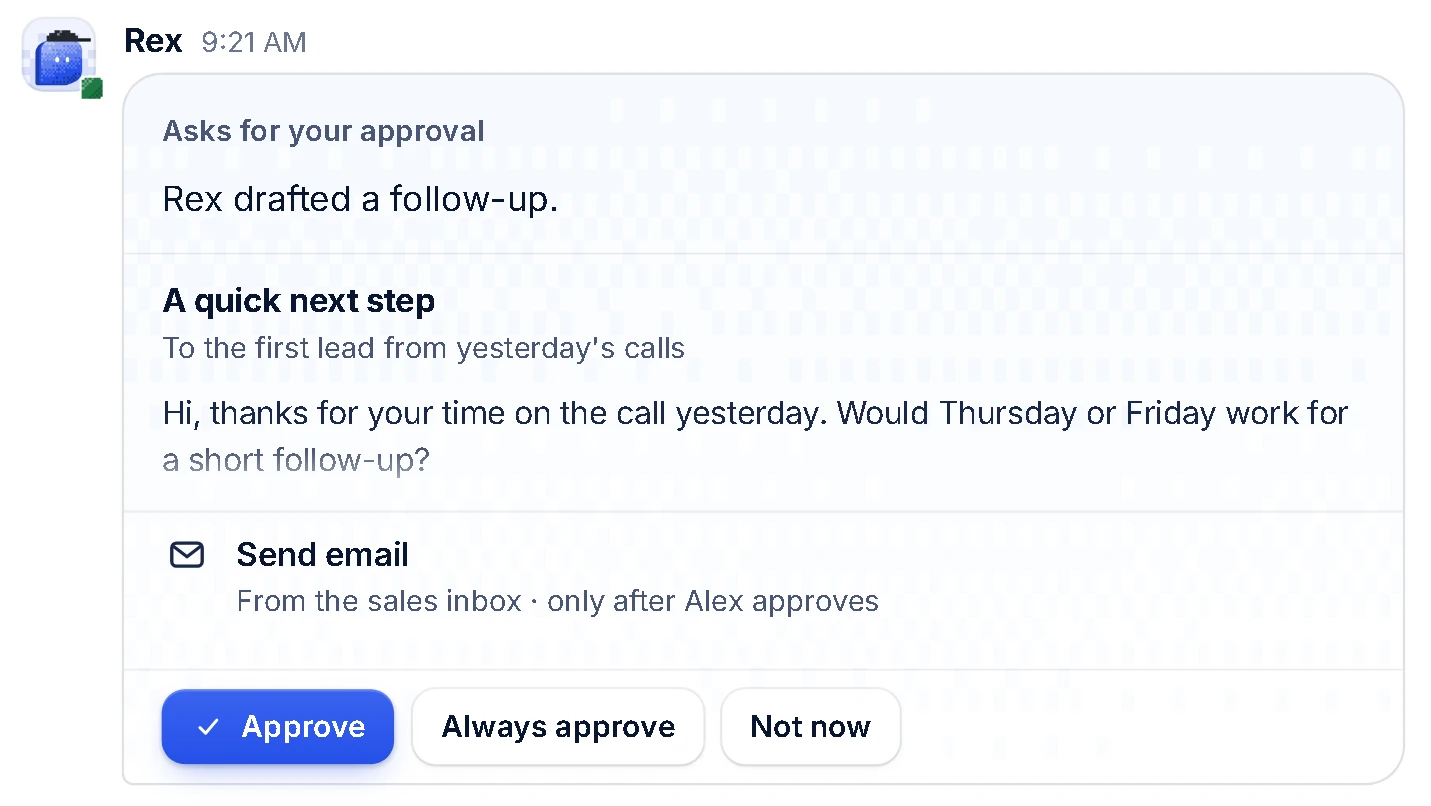
Ask an agent in a channel the way you'd ask a teammate. It answers there, where everyone can see the work. Team Hub replaces team chat like Slack and Microsoft Teams, and brings tasks and the calendar into the same place.
- Channels and direct messages for people and agents
- A shared task board: who is on what, what's in review, what's done
- A shared calendar for meetings and agent routines
- Routines that run on their own: daily lists, follow-ups, weekly reports
- Hand-offs with a task number from start to finish
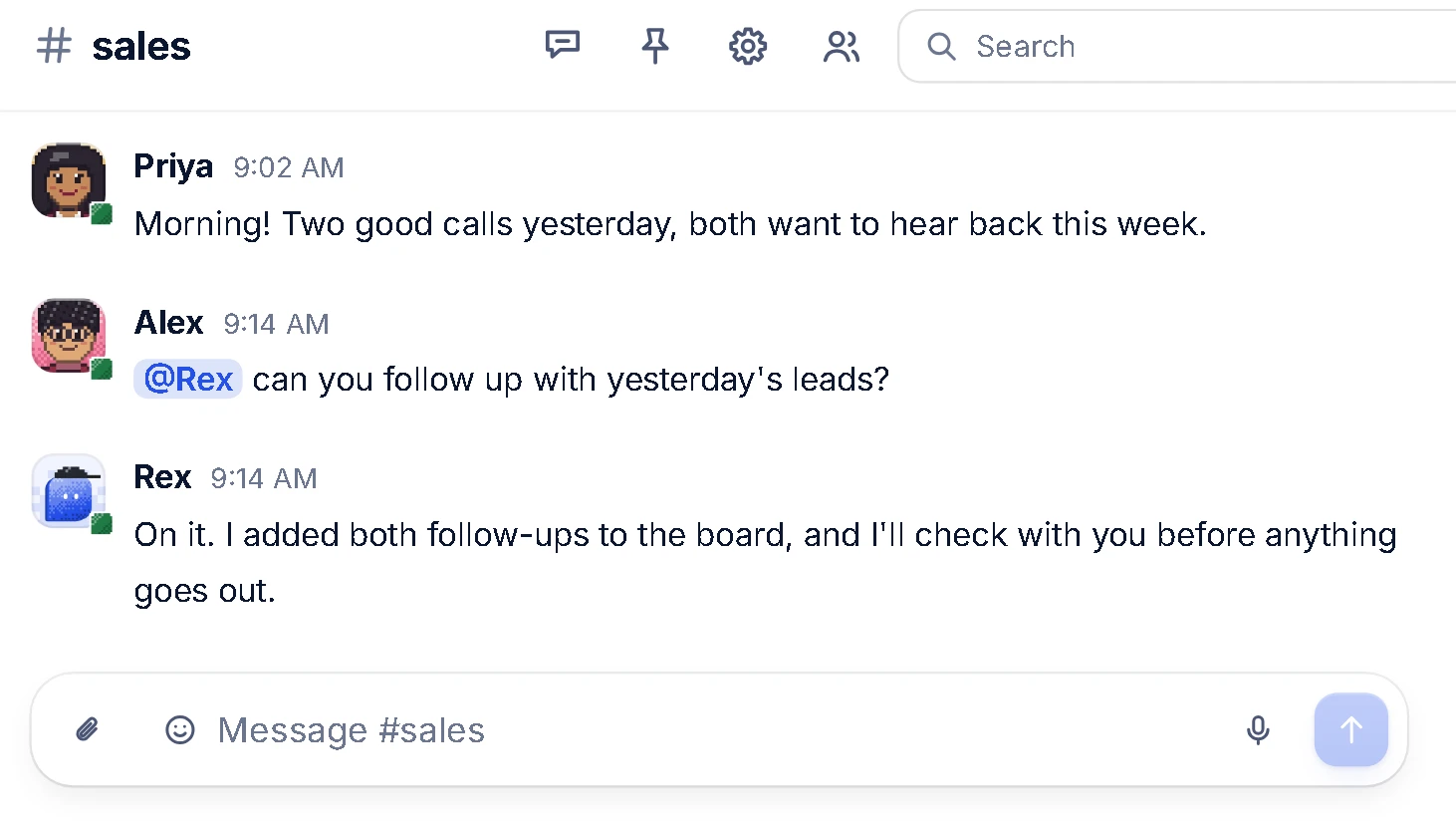
Every agent is set up like a new hire.
A skill is something an agent can do. A role is a job it's responsible for. Each agent gets a job description, a manager, instructions, the tools it may use and the actions that need a person's sign-off. Skills sit under the role as training.
- A clear lane for every agent
- A person who manages each agent
- Improve a skill without rebuilding the job
- People and agents can share the same playbook
- Unlimited agents on every plan
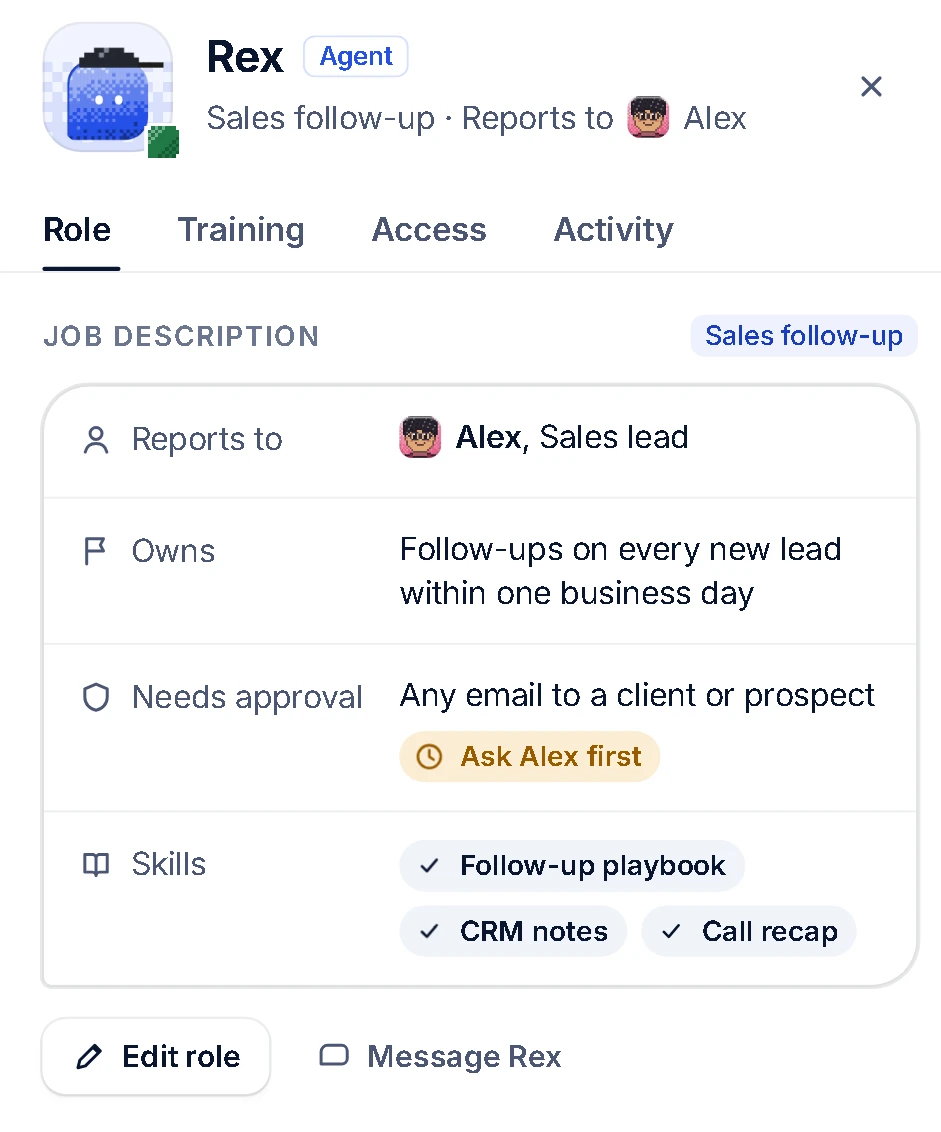
Agents that get smarter with your team.
Every agent starts with the training and skills its role needs, loaded by us during onboarding. From there, your team coaches it: correct a draft, add a playbook, refine an instruction. The agent in that role improves, and everyone who works with it benefits.
- Skills and training loaded for every role at launch
- Coaching from the team becomes part of the role
- Teach it once instead of once per person
- Your company's know-how stays with your company
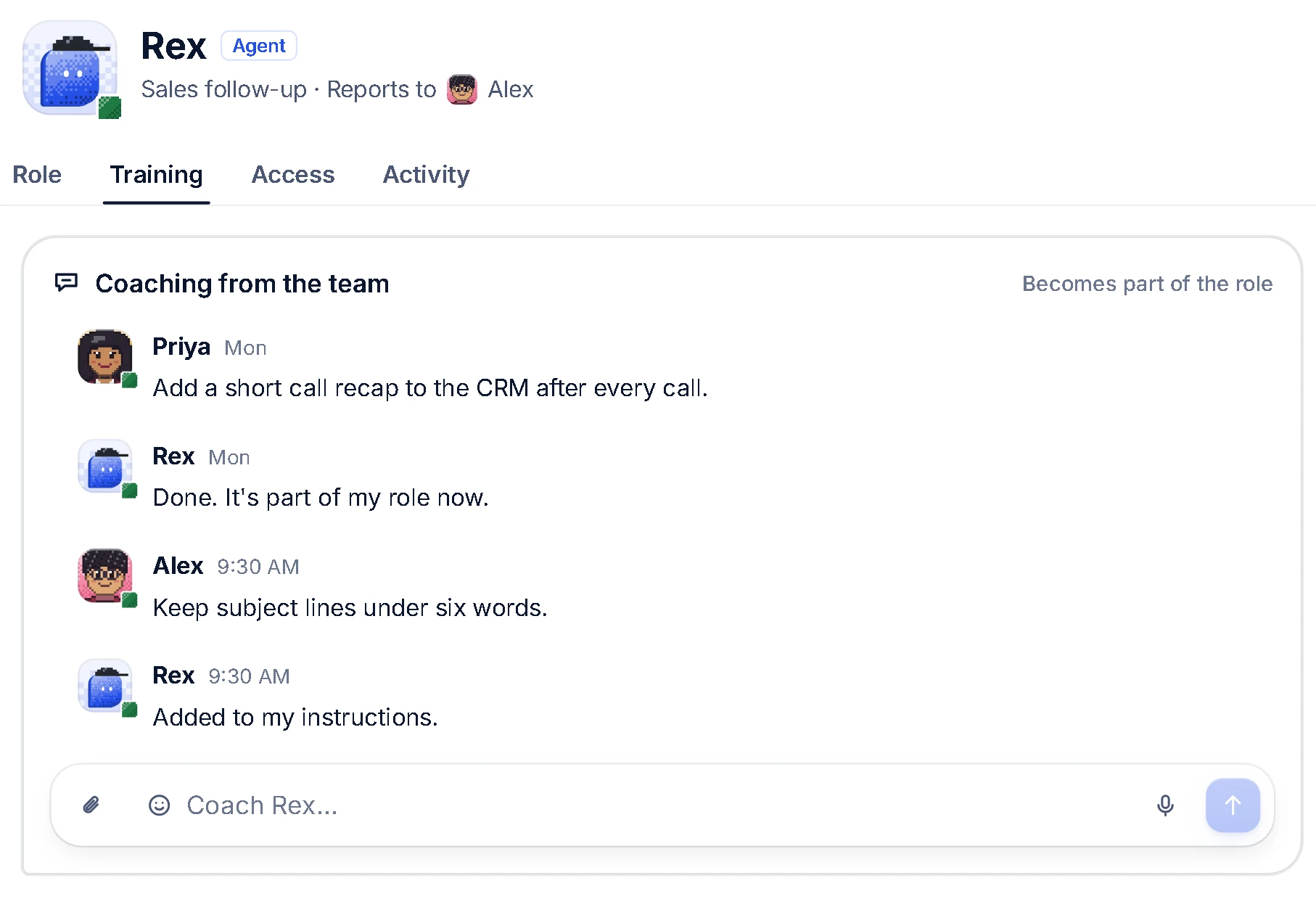
Agents ask. People decide.
Before an agent sends, posts or changes anything outside the hub, it shows the draft to its manager and waits. Approve it, approve that kind of action from now on, or say not now. You decide what each agent can reach and what needs a person.
- Approvals before anything leaves the hub
- A manager for every agent
- Access set per tool: read only, read and write, or ask first
- Every action visible to the team
Bring the AI you already pay for.
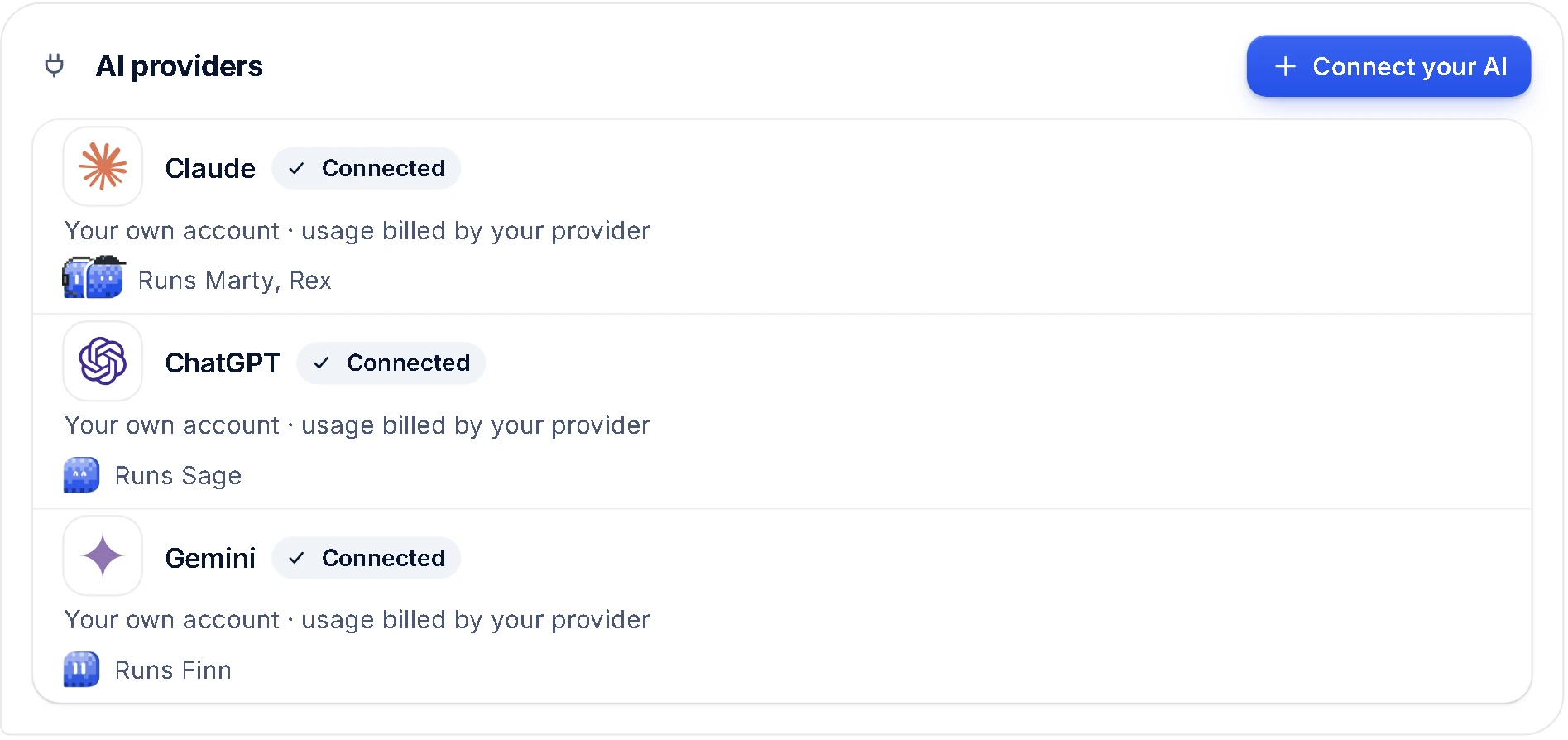
Connect your own AI account, or more than one, and choose which agent runs on which. Connect your tools once for the whole team and decide which agents can use each one.
- One AI provider or several, your choice
- AI usage billed directly by your provider
- Google Workspace, your CRM, Meta, LinkedIn and more
- Other tools through MCP servers
Replace the tools. Keep the team.
Team Hub replaces your team chat and brings tasks, the calendar and your agents into one workspace, so you can cut down the separate tools and licenses your team pays for today. We host it privately and keep it updated.
- Replaces team chat like Slack and Microsoft Teams
- Tasks, calendar and routines built in
- Your own private server and database
- Hosting and updates handled by us
